BARCODE TO STL
Barcode to STL Converter
Turn an asset ID or product number into raised Code 128, EAN-13, or UPC-A bars on a backing plate. Download the STL for your slicer, with SVG and PNG references for scan checks.
Preparing a physical print? Follow the 3D barcode printing workflow for format selection, slicer checks, and scan troubleshooting.
One barcode, three files
Generate your barcode to see the exact plate size and download its STL, SVG, and PNG references.
Checks cover encoded content, image decoding, and the saved STL. Physical print quality still needs a scan test.
Try a ready-made barcode STL
This Code 128 sample encodes PRIVQR-001. Its plate is 135.2 × 33 × 3.2 mm, with a 2 mm light base and 1.2 mm raised dark bars. Print it once to test your slicer and scanner.
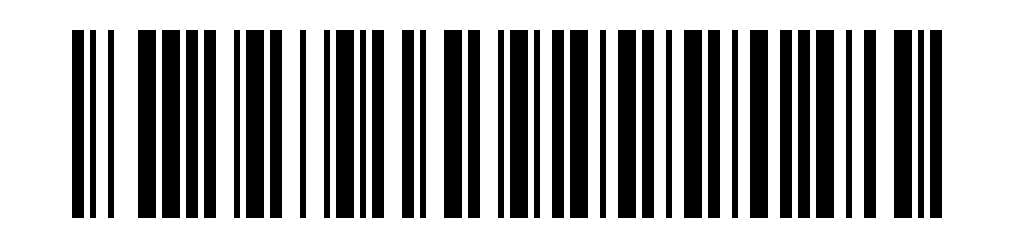
PRIVQR-001
From barcode STL to a scannable print
01
Keep every narrow bar intact
The default narrow bar width is 0.8 mm. Inspect the actual extrusion paths for missing lines or fused spaces; this setting is not a measured minimum. Shorter Code 128 content makes a smaller plate without thinning the bars.
02
Add real color contrast
Lay the flat base on the print bed. Use light filament for the base, then dark filament where the raised bars start. Preserve the blank margins; avoid shiny surfaces and shadows.
03
Test the actual scanner
Compare the printed sample with the flat reference, scan at the intended distance and lighting, and check the exact decoded value. A correct digital model is the starting point for physical testing.
Need a square QR code for a link?
QR carries URLs, Wi-Fi details, and longer text. Linear barcodes suit short IDs and numeric product data.
Barcode to STL questions
How do I 3D print a barcode?
Choose Code 128, EAN-13, or UPC-A, enter the original text or number, and set the narrow bar width, bar height, base thickness, and raised height. Generate and download the STL, import it into your slicer in millimeters, print a light base with dark raised bars, and scan the finished sample.
Which barcode format should I choose?
Use Code 128 for short asset IDs and printable ASCII text. Choose EAN-13 or UPC-A when you already have a product number in that format. The generator preserves leading zeros, adds a missing check digit, and rejects an incorrect supplied check digit. For URLs, Wi-Fi, and Unicode, use the QR code to STL generator.
Is barcode to STL conversion free?
Yes. Generate and download the raised barcode STL and its SVG and PNG references without an account or payment. Encoding, decoding checks, and file creation run in your browser.
Can I convert an existing barcode image to STL?
This tool takes the original text or number, not an image upload. Read your existing barcode with a scanner, choose its format, and enter the decoded value to recreate the bars. This does not convert arbitrary pictures into a 3D model.
Will a single-color 3D printed barcode scan?
Relief alone does not reliably provide the dark-bar and light-space contrast a scanner needs. The STL contains no filament colors. Print a light backing plate and switch to dark filament at the base thickness shown in the result, then verify the real print with your intended scanner.
What is included in the barcode STL?
The STL is one connected backing plate with raised bars, a twelve-module quiet zone on each side, and 4 mm blank margins above and below the bars. It uses millimeter dimensions and does not include raised text or digits. The result displays the exact encoded value and provides matching flat SVG and PNG references.
Do successful checks guarantee that the finished barcode will scan?
The checks confirm that the reference image and three ideal two-color scanlines through the saved STL decode to the intended value, and that the saved mesh is closed with the requested dimensions. They cannot simulate your filament, printer, lighting, or scanner. Print and scan one sample before making a batch. EAN-13 and UPC-A generation does not assign a retail product number or certify a GS1 label.